How do you store your digital photo files? In this modern world, it’s a regular concern – how to safely and securely store all of the digital detritus that builds up around us. It used to be so easy when we just had to remember a few passwords. There was no such thing as 2 factor authentication years ago. Security breaches and cyber-hacks have put paid to having an easy life when it comes to digital security. And you know something? I’m a bit burned out on all of it…it feels a bit too much some days.

Just trying to organise photo files feels like a burden. I’ve had hard drives go bust over the years. The ever-swelling trove of files gets bigger and the voice gets louder: “Find an easy way to store all this crap or delete more!” – as if I’m stuck playing a simulation game and the goal is just to move shit around every minute of every day and night. Like Sisyphus pushing the boulder up the hill.
As I said previously, I use Microsoft One Drive these days. At the very least, I can use the cloud to quickly backup DNG files and TIFFs for future download. I know lots of people feel like they shouldn’t have to pay, but in the age of information overload, I think it’s a good idea to find a reasonable solution that offers enough storage for a good price. It’s the business model that Google tends to run with: offer generous freemium cloud storage, but not too much, so that people come to rely on it for their photo and file backups. Then offer paid tiers for more storage room.
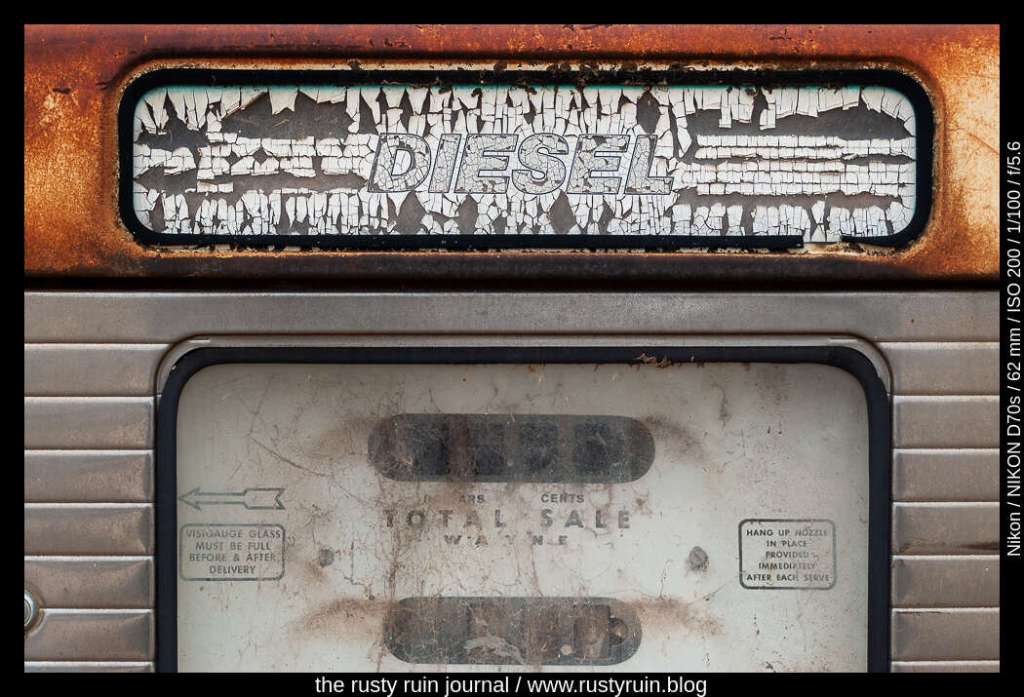
I suppose we’re always looking to organise something – photos, files, music, our lives. And truthfully, sometimes all of those files feel like too much of a weight – like a digital albatross. I can’t even tell you how many sites I’ve been locked out of because an old paid email address went bust and now the site is sending the password I’ve forgotten to an email address that doesn’t exist. Or software license codes that got lost in the shuffle of hard drives and file moves. The 21st century has the feel of a password-protected version of copy of a copy of a copy, featuring tiny beige plastic parts that need to be glued together against a time-limit. So, I guess this is my rant about simplicity and complexity, as if there was ever a simple time. And since I work with vulnerable people, many of whom live really tough lives, I must say that I feel a little queasy even making a small complaint about any of it. Life moves and changes and we’re just the floating leaves flung by the ripples and waves as it goes.

Discover more from The Rusty Ruin Journal
Subscribe to get the latest posts sent to your email.
 The Rusty Ruin Journal
Several years ago (or was it decades), I one day could not get into my computer. I took the PC to a computer repair shop to see what was wrong. Basically my hard drive had “crashed”. I asked if any of my photo files could be recovered and like any respectable computer nerd (I’m not using that term in a disrespectable way) he said “yes” and “no”.
He said the problem was that the computer could no longer read the file system, or something like that. He went on to say normal recovery tools could not be used; they would have to attempt a forensic recovery. Again, this was a long time ago so I’m not sure what exactly was said, but that’s how I remember it. He said the recovery would cost $500 dollars ($5,000 in my today’s relative equivalent) and there was no guarantee that they could recover any files. AND if they didn’t recovery any, there would still be the $500 fee.
I don’t remember what photos I lost, but I do remember feeling the pain knowing that I lost them. So, since I don’t remember what I lost and no longer have the pain, this is a good example of “time heals all”.
Now to the point relating to your post. Shortly after getting a new PC, I purchased a 1TB Seagate mechanical backup drive. I don’t remember if they had SSD standalones back then, but if the did, they would have been way out of my price range. I still have that backup drive plus two, 2TB SSD drives, Yes, three backup drives, so who’s the nerd now. 🙂
I don’t us any cloud storage for backup. You never know when the company is going to go out of business, change their business model, or make any other changes that effect your stored files. I have cloud storage for the photos I post in WordPress, but those photos are all stored on two separate backup drives, a technique commonly know as belt and suspenders.
LikeLiked by 1 person
Hi David. Thank you for your thoughts. Yes, you’re absolutely right on this – we never know when a cloud company will fall over. Very true. I’m hoping Microsoft don’t fall over too soon, of course! It’s really just me easy and lazy back-up option. If I was willing to spend the money, buying a few SSD drives would be the sensible choice. I like cloud back-ups because it gives me access on other devices too, like the phone. But a good back-up strategy really should include local copies on drives, like you’ve done. Funnily enough, I kept those old toasted drives in hopes I’ll find someone to grab the data from them…or maybe I had them shredded in frustration, I don’t quite remember!
LikeLiked by 1 person